Getting started
DaltonPilot shows your 3D viewport as a colour-blind viewer sees it. It needs Blender 5.2 or newer.
Install
Section titled “Install”- In Blender, open Edit > Preferences > Get Extensions and install DaltonPilot, or drop the file
daltonpilot-0.1.0-rc.1.zipinto Blender (from the store, the file name carries the current version). - Make sure the add-on is switched on.
See your scene in three steps
Section titled “See your scene in three steps”- Switch the viewport to Material Preview or Rendered.
- Click the eye button in the 3D viewport header, to the left of Selectability & Visibility. Press Shift+Alt+C to do the same from the keyboard.
- Open the arrow next to the eye and pick a kind. The viewport now shows the simulated colours.
Click the eye again to turn it off. Your own compositor setup comes back and nothing is left behind. F12 renders are never changed.
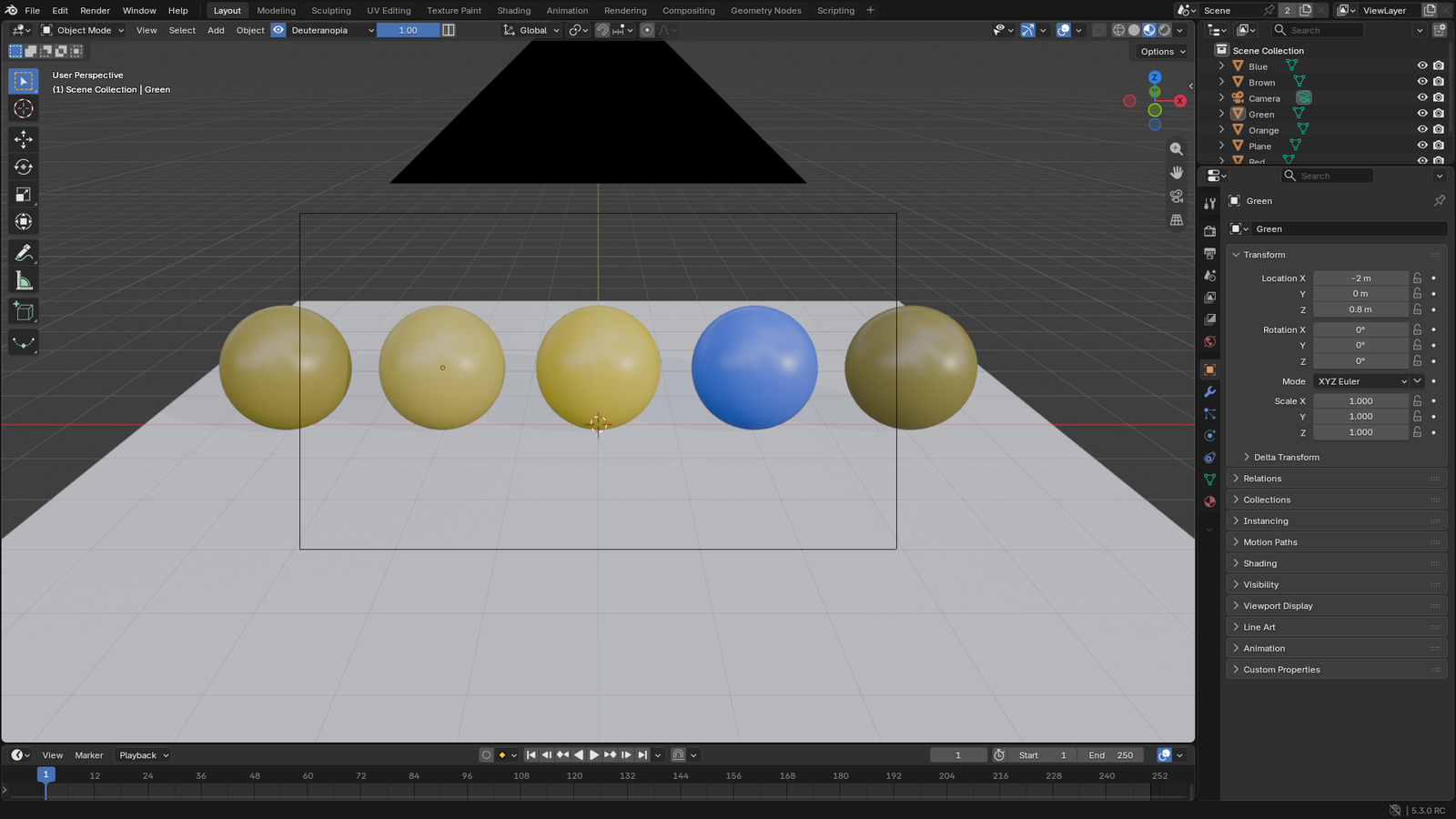
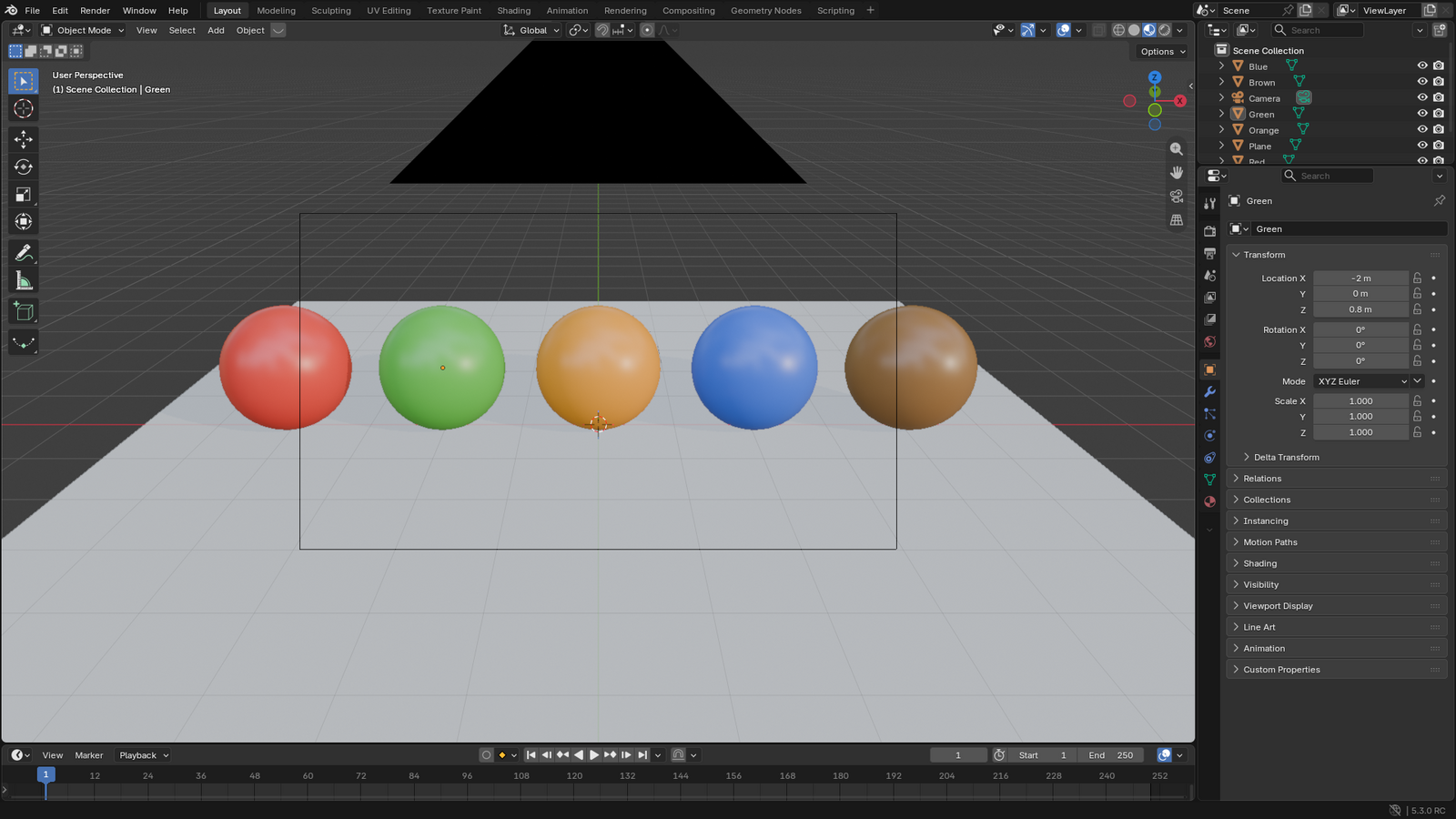
The same scene with the simulation off: